
Design Problem:
How might we design an Alexa notification experience for TV that helps customers discover relevant information in a timely fashion?
Objective:
Improve the Alexa notification experience on smart TVs to increase user discovery and engagement with Alexa
My role:
Define use cases, user scenarios, and guardrails
Design exploration
Design definition
timeframe:
3 months
Alexa Notifications
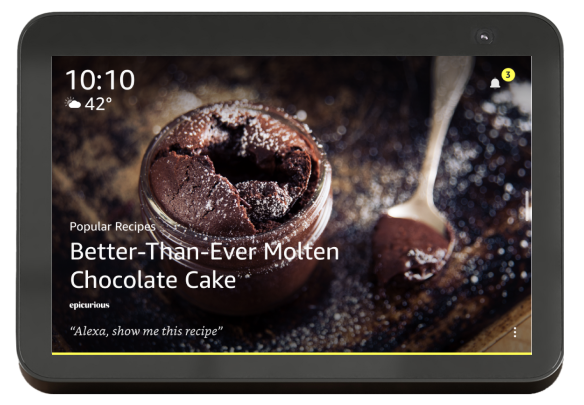
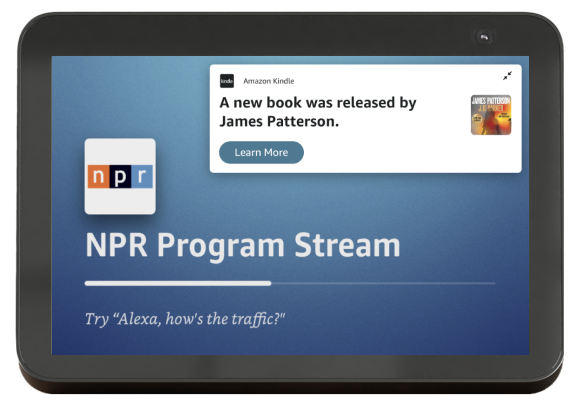
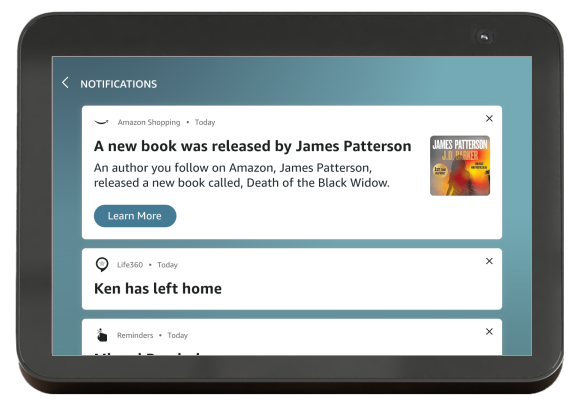
Notifications provide proactive information to users about topics of interest, such as Amazon package deliveries, weather alerts, and breaking news. On an Echo Show, they appear onscreen and may be accompanied by a chime sound and yellow chrome.
new Notification status
New Notification toast
Notification panel
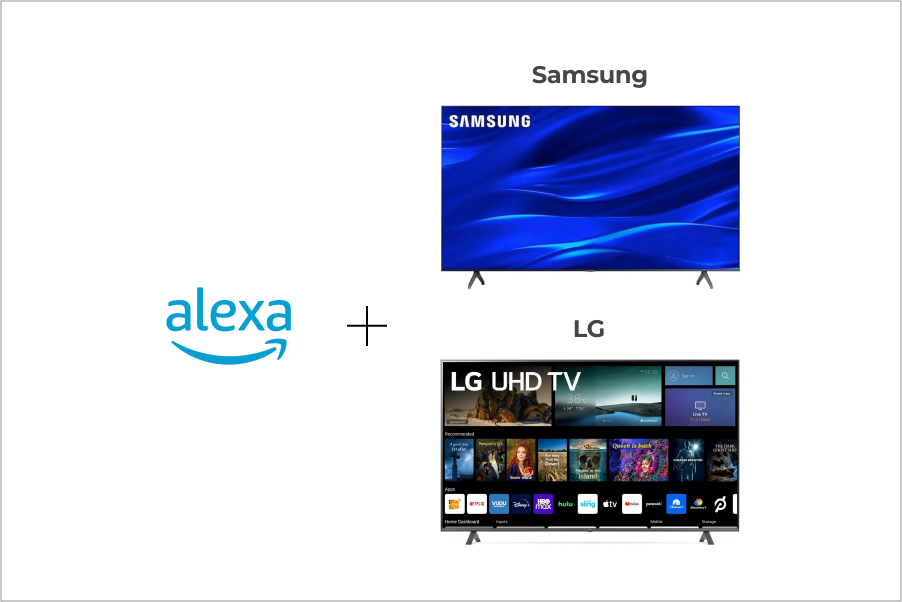
Alexa for Smart TVs
Alexa comes built in on many contemporary TVs sold through companies including Samsung and LG.
This is separate from Fire TV: Alexa is integrated into the hardware of the television for easy user access. Customers can talk to Alexa on the TV the same way they would on an Echo Show.
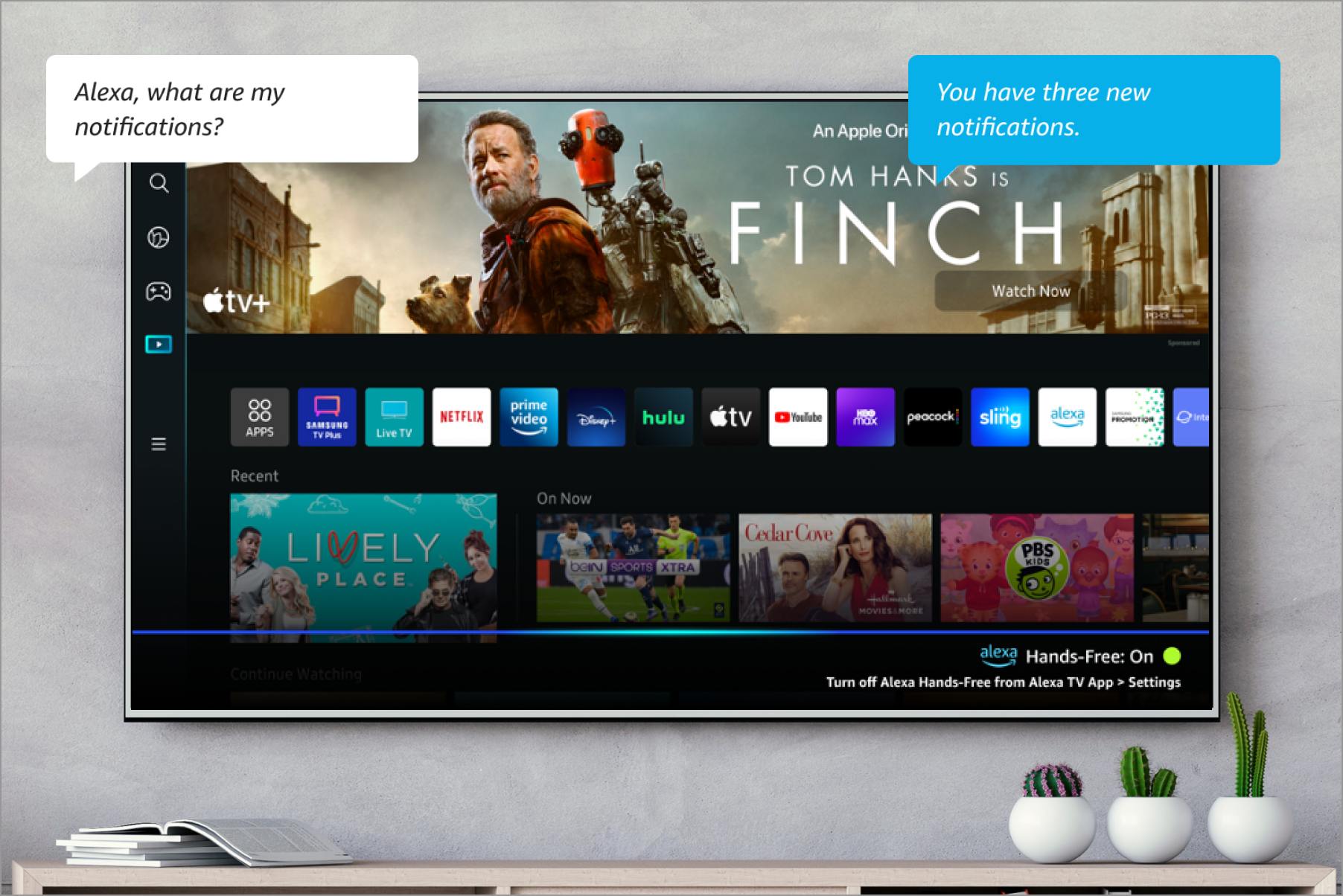
Keeping Alexa Discoverable
On the TV, users must remember to ask Alexa for their notifications. Without a proactive visual cue, customers may miss time-sensitive alerts.
For this reason, my team made the decision to expand the Alexa notification for TV to include visuals and proactivity for greater discoverability.
User Research
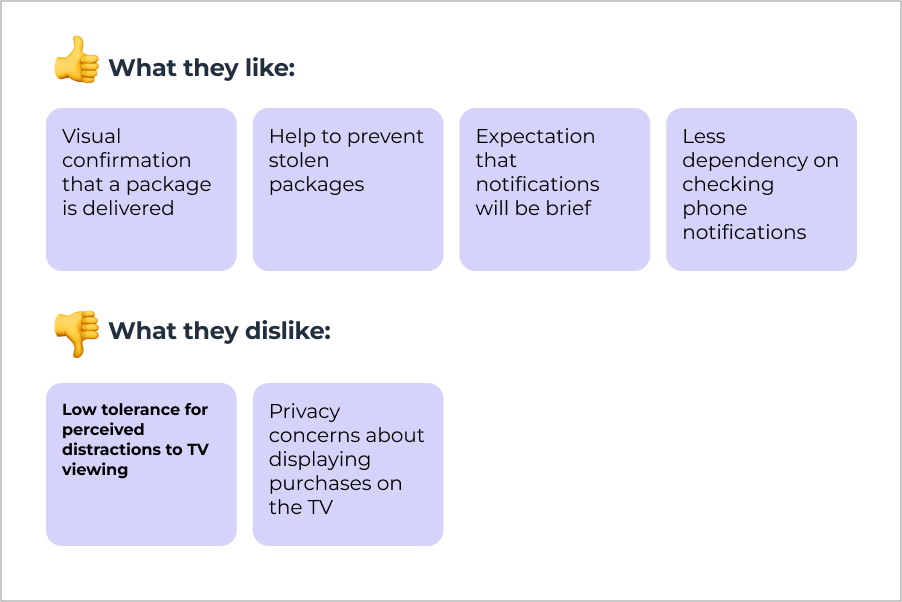
Before starting this project, our research team conducted in-depth user interviews to gauge interest in this experience with potential customers. We showed an Amazon package delivery notification concept to 20 participants and asked for their initial impressions.
Feedback was mixed. Some participants welcomed the idea, while others were concerned it would be disruptive.
TV User Scenarios
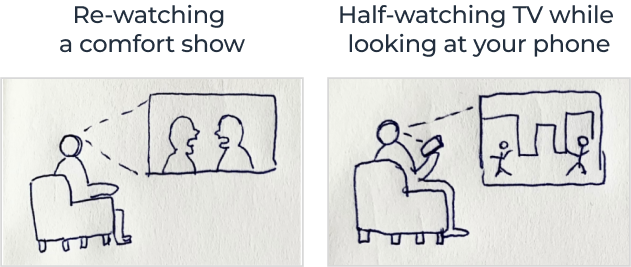
Notification patterns for the TV must scale across a variety of scenarios. In addition to different levels of urgency for notifications, customers may be paying more or less attention to the TV screen. To avoid being perceived as disruptive, it’s important not to interrupt crucial TV-watching experiences.
❌ do not disturb
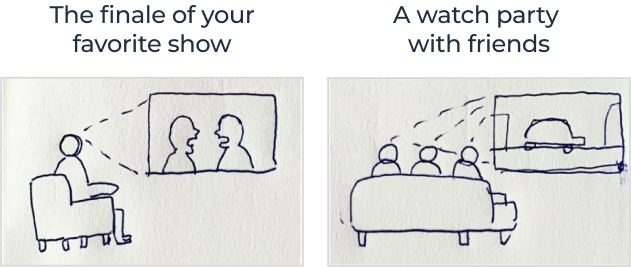
✅ ok to disturb
TV Notification Guardrails
Unlike an Echo Show, Alexa is not the primary use case on a TV. To address user needs around privacy and avoiding distraction, I would need to create different design patterns to translate the Alexa notification experience to TV. These are a few of the guardrails I aligned on with the product team:
Alexa notifications are opt-in only. Customers should never receive a notification from Alexa they didn’t sign up for. Each type of notification must be opted into separately. (ex: shopping, news, weather, etc.)
Only urgent notifications should interrupt streaming media. Only a handful of Alexa notification types are classified as urgent. These include package delivery, smart doorbell, and severe weather alerts.
Notifications should be brief and glanceable. Notifications will only appear onscreen for 15 seconds. Character limits and content limits keep the information easy for users to quickly take in.
Alexa notifications should be easy to configure directly from the TV. This includes turning notification types on and off and turning on Alexa’s Do Not Disturb setting.
“I would love to have this. It’s important to know the package is delivered because it might get stolen or rained on.”
-Pre-Launch Qualitative Research, 2023
Real-time Incoming Notifications
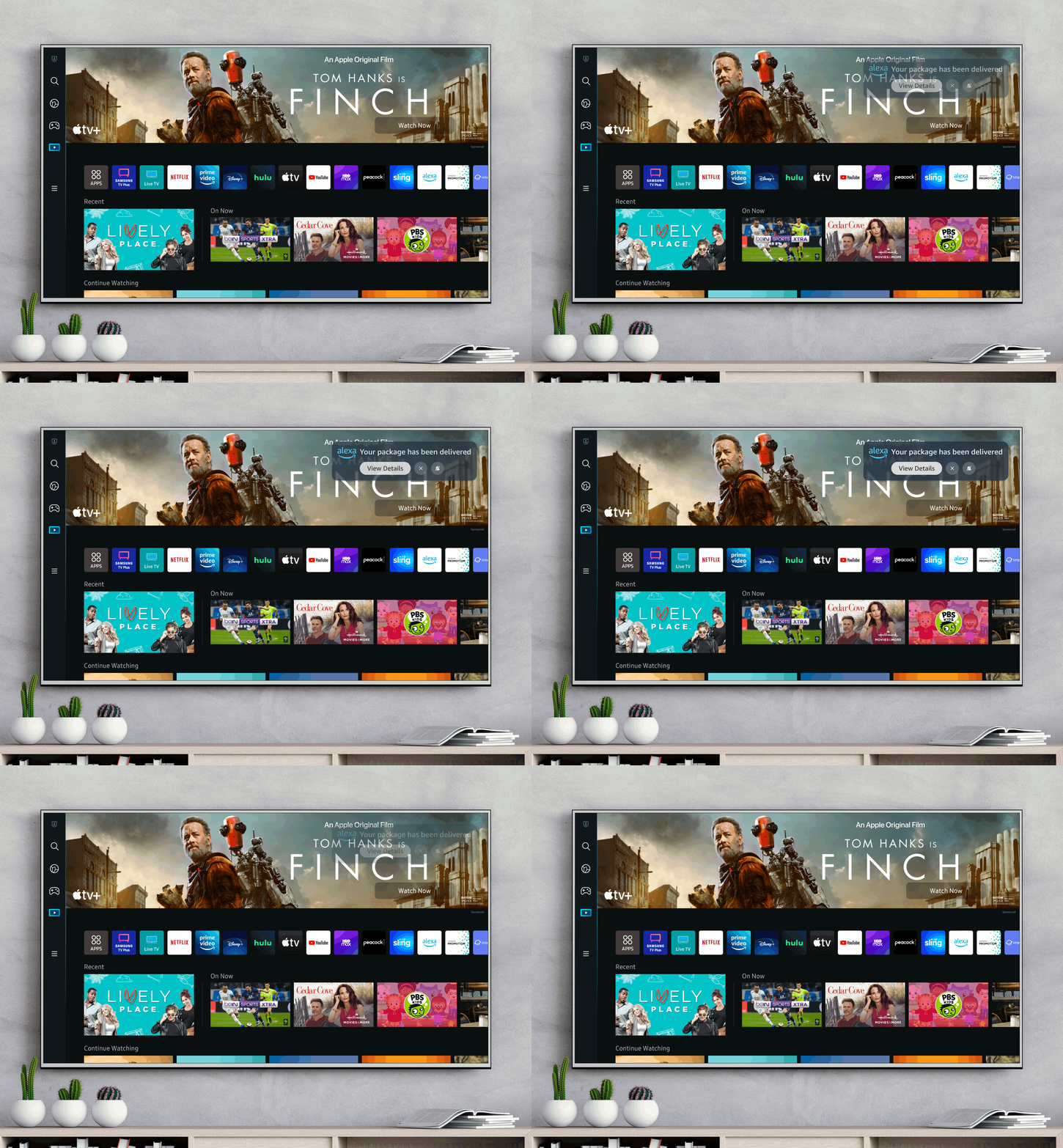
Incoming notifications will appear onscreen when the TV is turned on and the user has opted in to a category of notification. Users may have the option to press a CTA to view more information.
Design Exploration
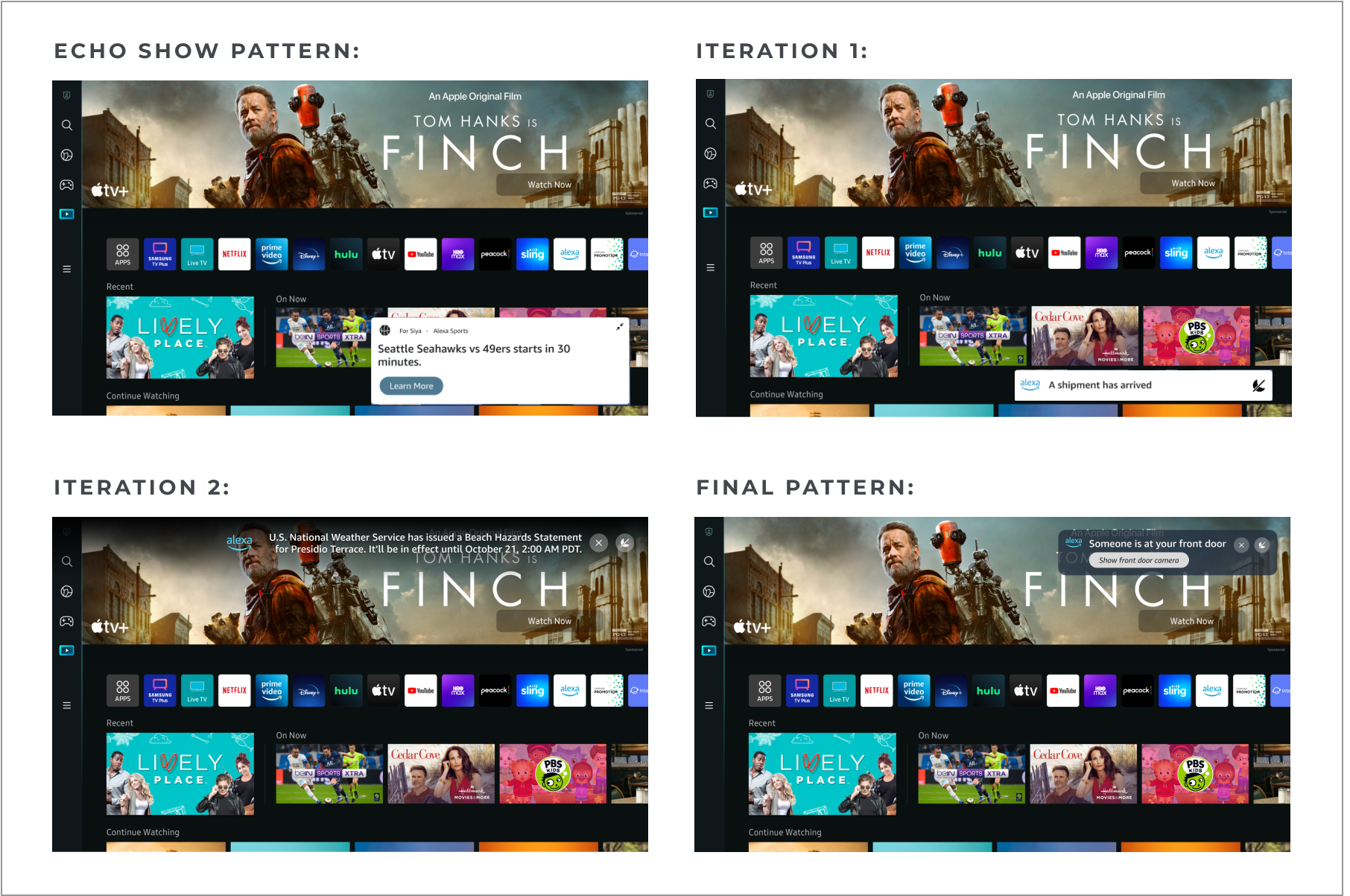
I explored a few different patterns for how to surface pop-ups onscreen, starting with the design used on Echo Show. I realized quickly that the large size and white background was to intrusive onscreen, and placement at the bottom of the screen would conflict with subtitles and captions.
The final pattern balances readability without blocking other content onscreen
Final Design
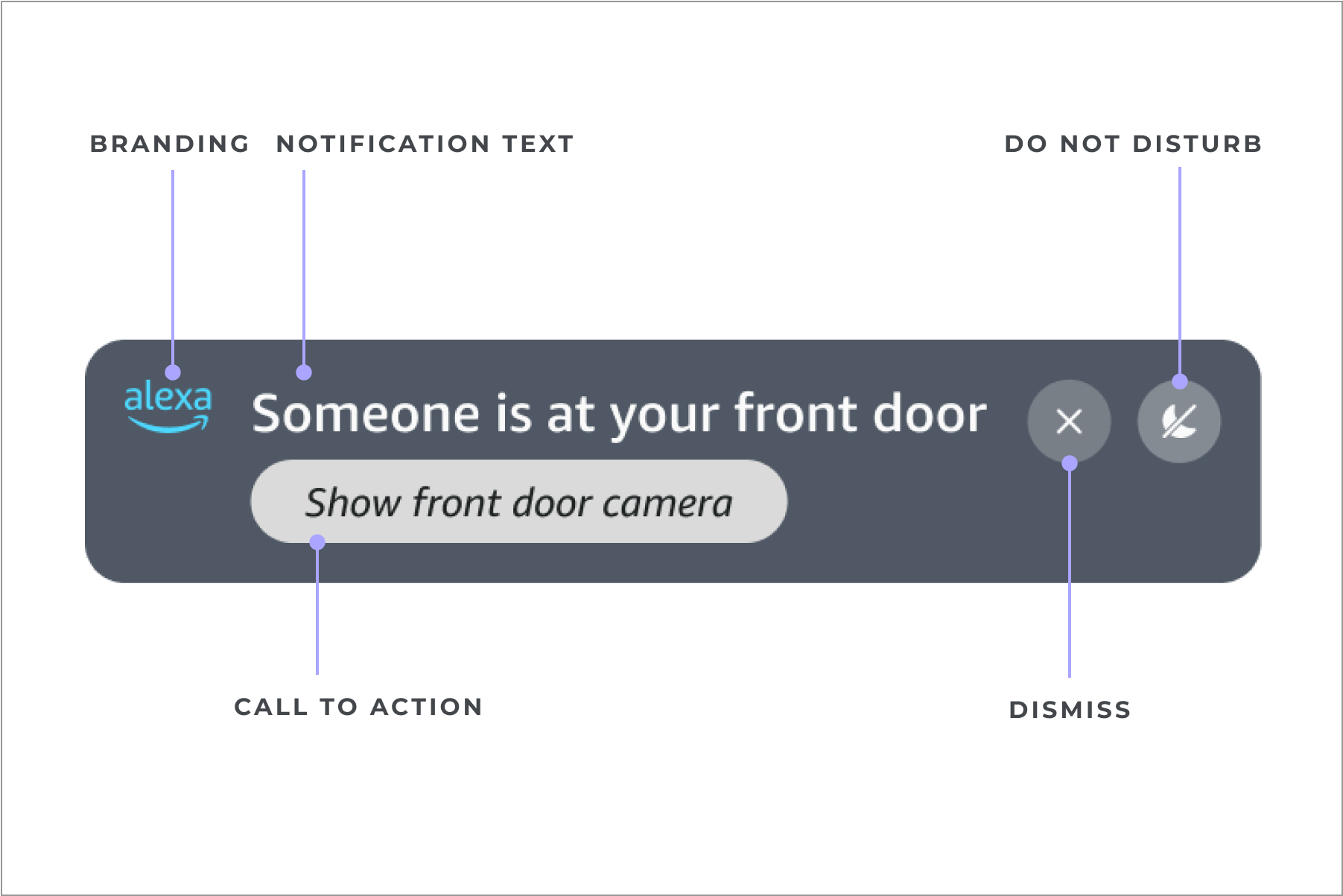
Notifications should include the Alexa logo so that customers understand that the notification is coming from Alexa, and not the TV provider or another app on the TV.
Notifications on TV should be brief to avoid disrupting user’s viewing experiences. I included a character limit for both the notification and any call-to-action.
Users may have the option to press a call-to-action to engage more if they are interested. Notifications expire automatically after 15 seconds, but users can choose to dismiss them sooner, or silence them altogether directly from the notification itself.
Notifications List View
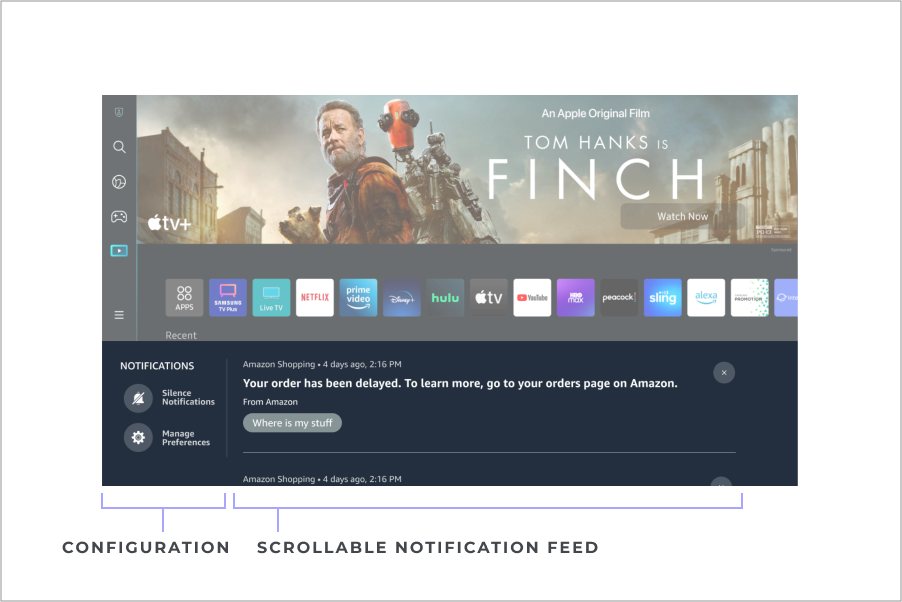
A visual list of unread and read notifications that can be accessed on the TV through voice or the remote control.
List View Design
The list view needs to account for a wide variation in the amount of content. Some notifications will be very short, some very long. Content should be glanceable, easy to browse.
The notification list on TV appears as a partial overlay so that the user can easily open or close without interrupting a task such as browsing an app or watching streaming content.
Results
Our TV partners approved an initial launch of doorbell camera notifications from Alexa. Final development should be completed in 2025, and we will plan evaluate customer engagement post-launch to determine our next steps.